Device models➧
Overview
A model defines how WildcoreDMS works with a device: what information can be retrieved, which pollers run and at what intervals. Model settings apply to all devices of the model (unless a device has its own).
Menu: Device management > Device models.
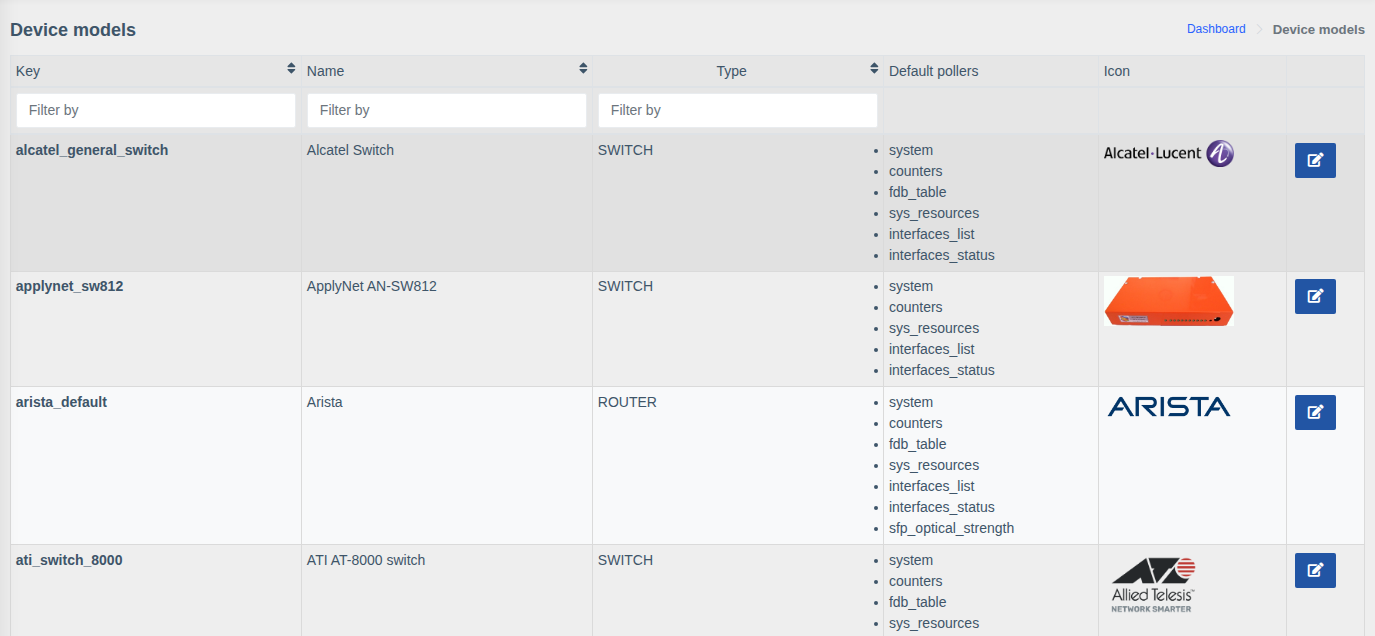
The model list is maintained by the system — supported models are added with WildcoreDMS updates (see Supported hardware). The list shows the type, vendor and pollers of each model.
Model settings➧
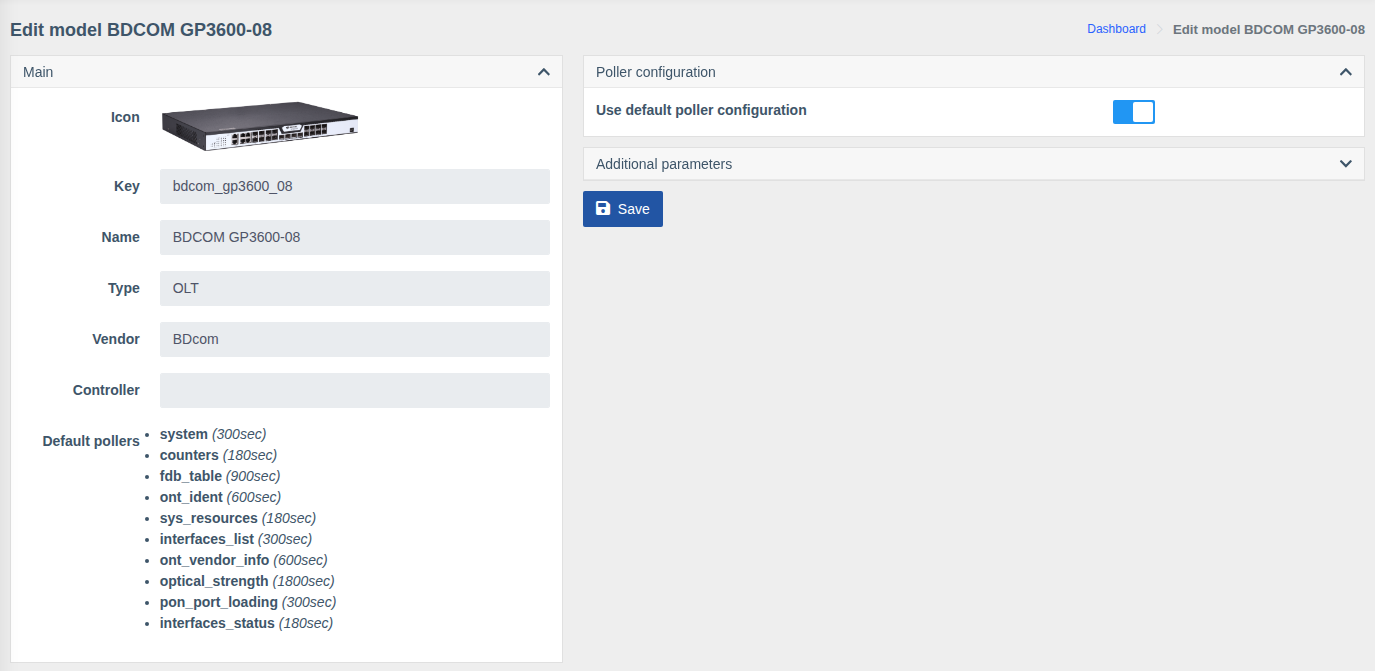
Main — reference information, it can't be changed:
| Field | Description |
|---|---|
| Icon | Model image |
| Key | Internal model identifier |
| Name | Model name |
| Type | OLT, SWITCH, ROUTER, etc. |
| Vendor | Hardware vendor |
| Controller | Service field |
| Default pollers | Pollers and their intervals defined for the model |
Poller configuration — turn off "Use default poller configuration" to enable/disable individual pollers or change their intervals for the whole model. See Hardware Poller.
Additional parameters — JSON with working parameters for all devices of the model (full list — Model and device custom parameters). Parameters in the device card take precedence over the model's.
Click "Save" after making changes.
Permissions
The page requires the "Device management" permission.